Kevin Marsh is a web developer from Toledo, OH with a focus on simplicity and usability, an eye for design, and insatiable curiosity.
I’ve always been curious how many times certain songs are played on mainstream radio. Sometimes it seems like the same song is played every hour, or every time I get back in the car during a trip. So, a few years ago (actually, during the pandemic) I started crawling the Now Playing sections of thousands of radio websites and have started tabulating the results and building a site to explore them.
I present overplayed.app:
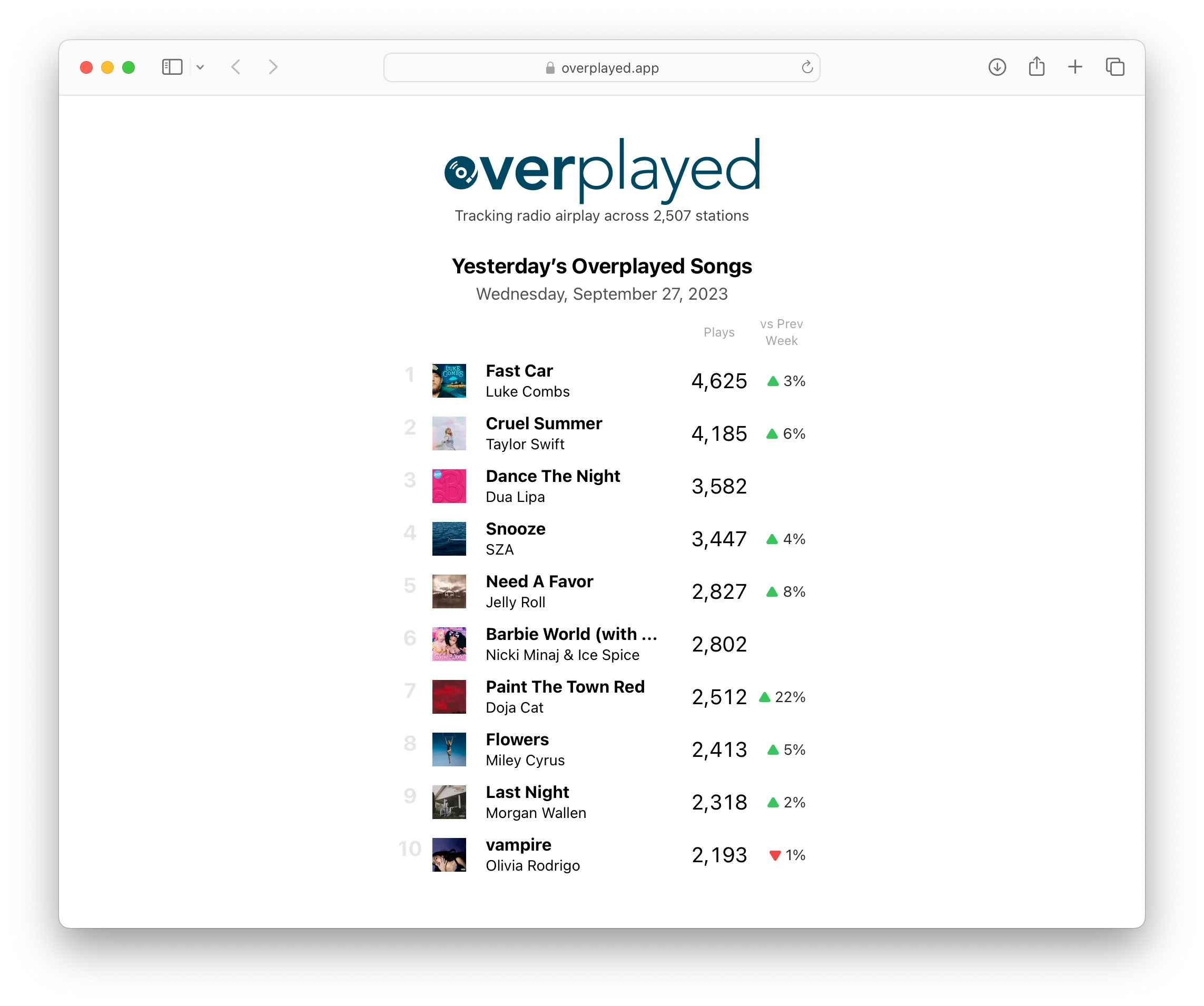
I can envision a ton of ways to present this data, but I started with a simple daily summary of the top songs played across the US and Canada, currently about 2,500 stations. I hope you’ll find it interesting and, if you’re curious like I am, will keep checking back for new features as I have a ton more I’d like to do with the site.
20 years ago today I posted a message on the Winamp Forums1 announcing a project I started during Christmas vacation and had been working on for a few months:
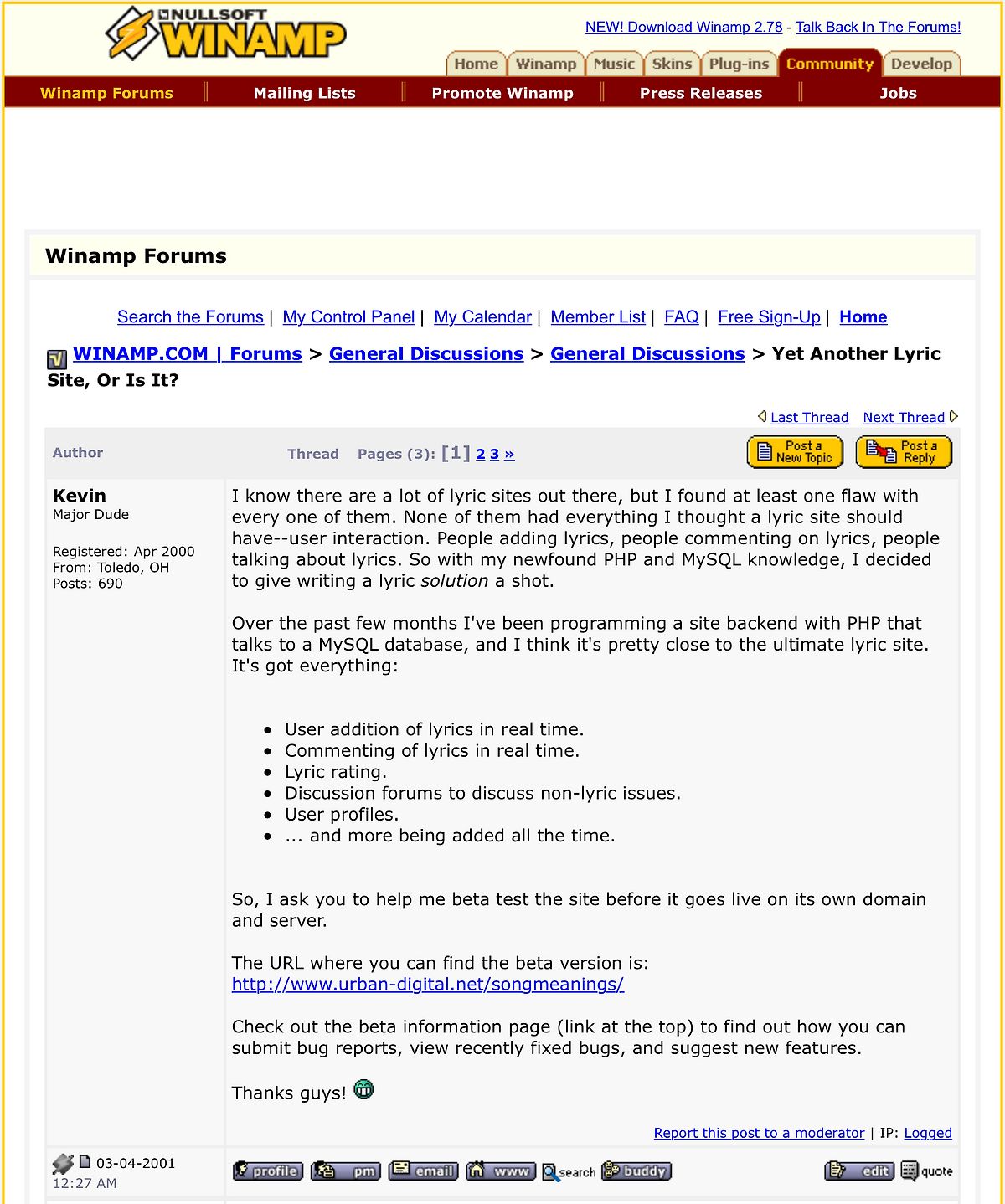
The reaction was amazing and the next few months were some of the most thrilling of my life. Some of the very same ups and downs of traffic, user growth, and server issues that dot-com era startups with millions in funding were dealing with were playing out in my bedroom, in-between classes my Senior year of high school, on AIM, and on various budget shared web hosts. I never told anyone in the real world about SongMeanings. My parents didn’t know, my school friends didn’t know. It was just my own online thing, part of my virtual persona. It even sounded weird to say “SongMeanings” out loud because I had uttered it so few times.
I let SongMeanings slip out of my hands when I start college and it was moved forward from a scappy (illegal) site to a legit business. But money was never part of the equation with me and SongMeanings. I never put any in and never got any out. But that never mattered to me.
Looking back I realized I learned more about my software career building SongMeanings than any book, class, or degree. It was just about wanting to build something, reading how others did it, copying and hacking away until it (mostly) worked, sharing it with the world, and doing it all over again.
Up And Running 2 Decades Later
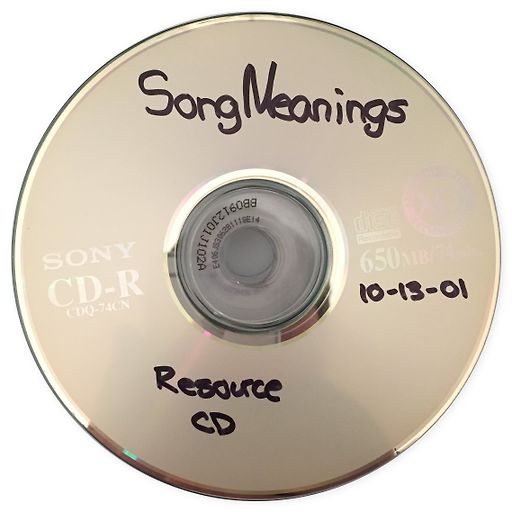
I found an old CD-R I had burned of the code and a database backup from October 2001 and wondered if I could get it running today. To my surprise, it took about 30 minutes to get the entire site back up and running again in a Docker container, looking exactly like it did 20 years ago. Like a mosquito trapped in amber. PHP4 and MySQL 3.23 installed in fractions of a second in a debian/eol:potato Docker image on a modern 32-core machine2 and pages rendered flawlessly in a modern browser, just like they did in IE 6 on Windows 2000 at the time:
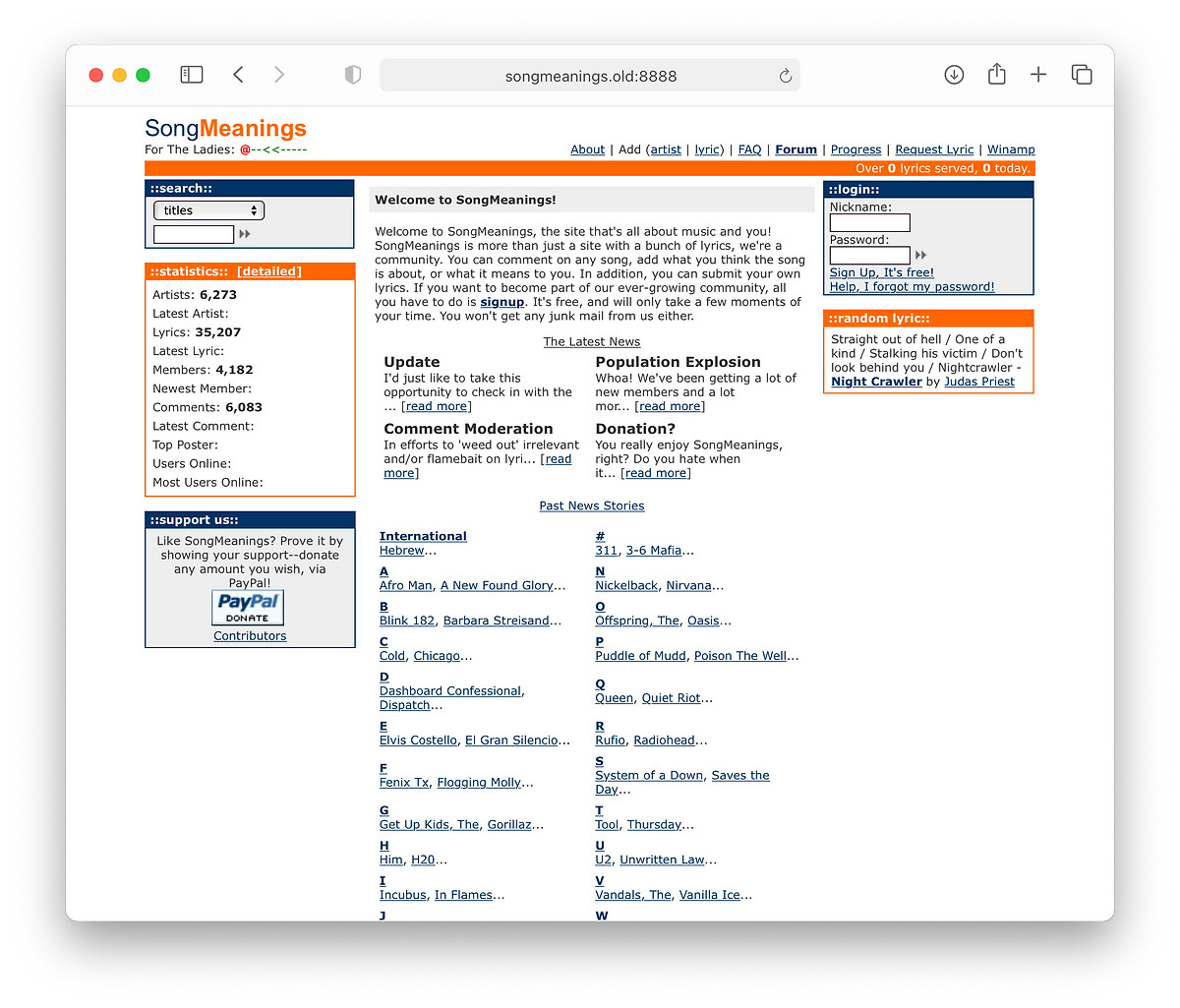
Practically everything works: viewing artists, commenting on lyrics, even logging in. I typed in my old username and password and was instantly shown a summary of what had happened since the last time I logged in, including 3 unread Private Messages. I viewed the very first lyric I posted to SongMeanings, Evaporated by Ben Folds Five:
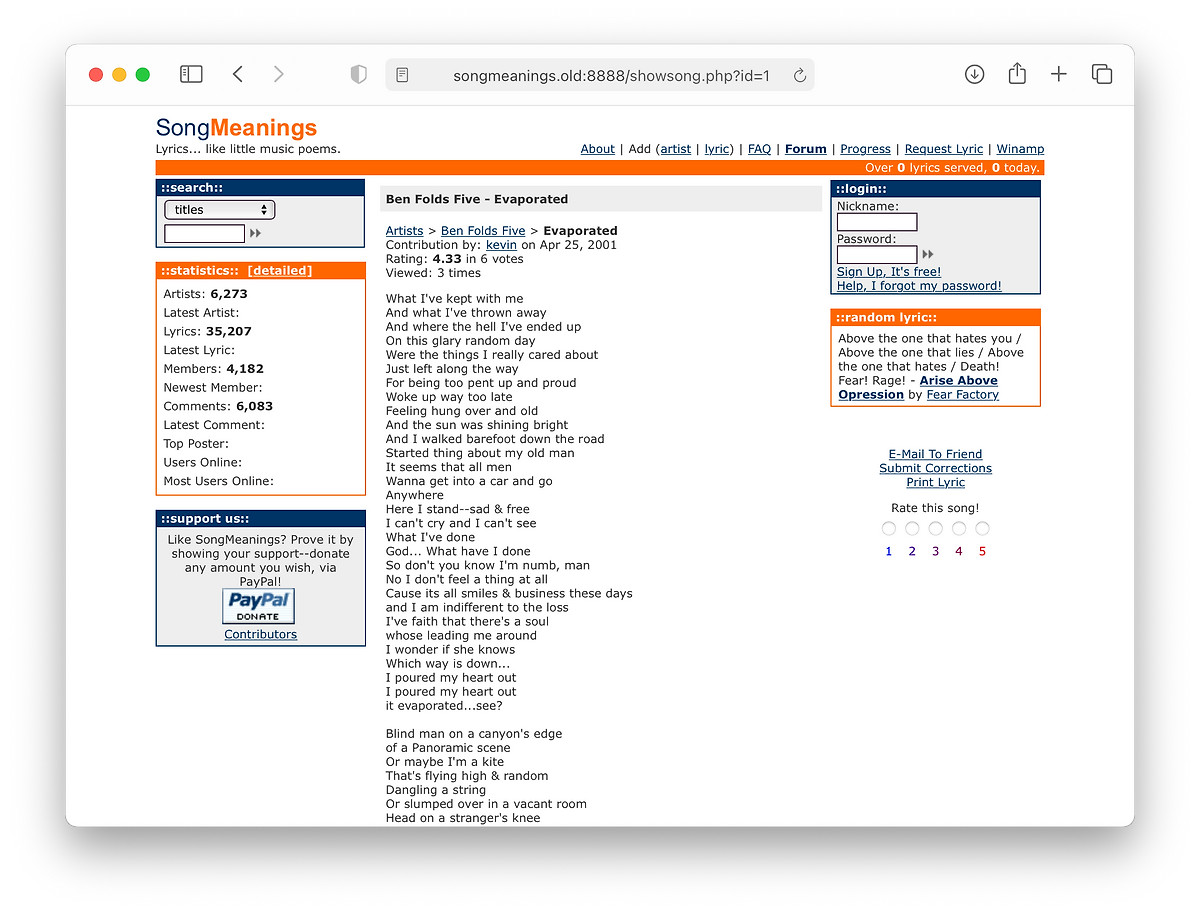
That song still has the same ID on SongMeanings today, 1: https://songmeanings.com/songs/view/1/. So much has changed but the roots are still there, intact.
The latest blog post was me trying to sound like I had any idea about what had happened just 2 days after September 11, 20013:
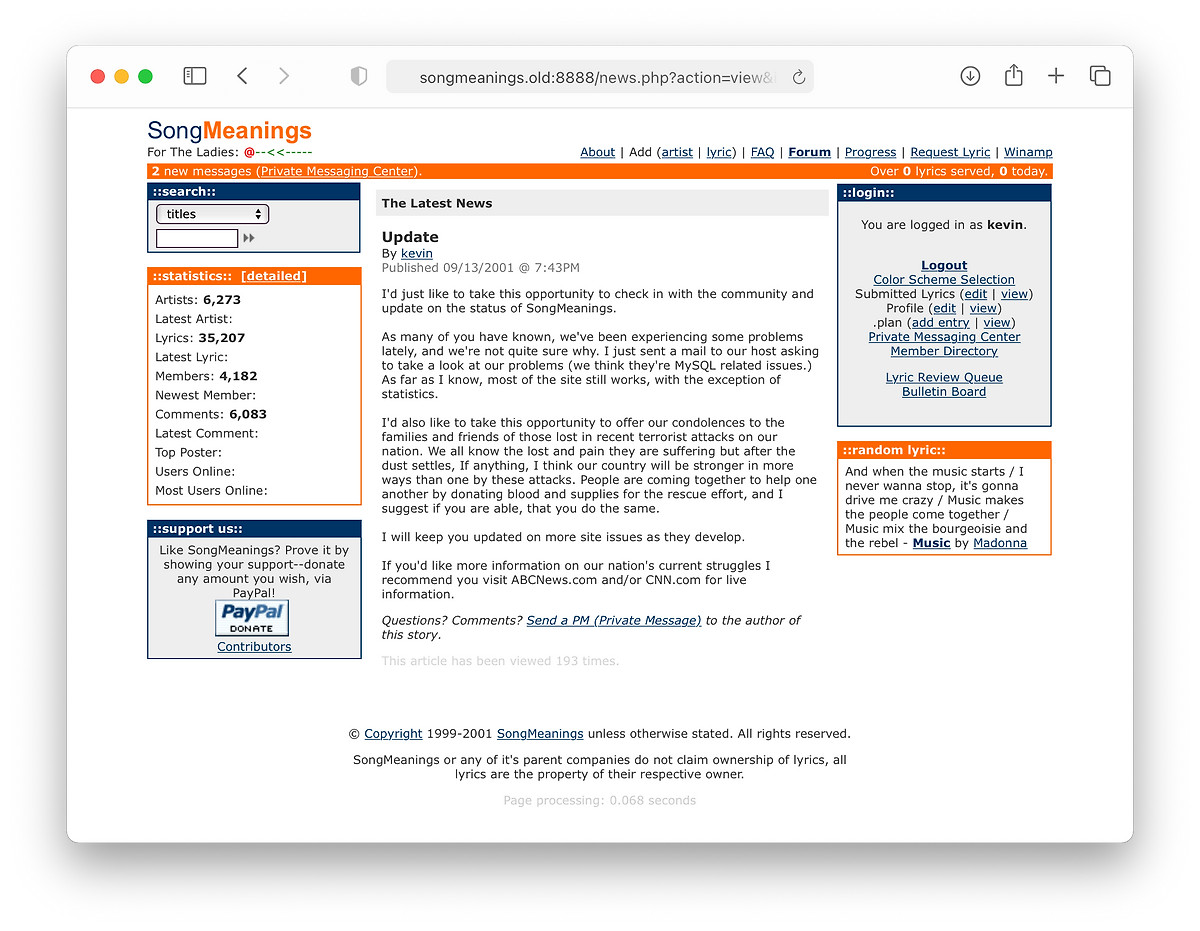
The code looks like a jumbled mess to me now, as most PHP probably was in that day. SQL queries interspersed with HTML (mostly without CSS) riddled with XSS and SQL-injection vulnerabilities. Here’s a piece of PHP typical in SongMeanings 1 from probably the most run file, showsong.php (yep, every URL was a file… no RESTful routes back then!)
<?  // showsong based on $id
GLOBAL $admin;
require_once("shared.inc");

db_connect();
//$qwer = mysql_query("UPDATE songs SET pageviews = pageviews + 1 WHERE id = \"$id\"");
//$ok = mysql_query($qwer);

session_start();
$qwer = mysql_query("INSERT INTO lyricviews (userid, lyric, date, ip) VALUES ('$user_identification', '$id', NOW(), '$REMOTE_ADDR')");
$ok = mysql_query($qwer);

$rs = mysql_query("SELECT lyrics.cover, lyrics.userid, date_format(dateadded, '%b %e, %Y') as submitdate, lyrics.artist_id as artistid, lyrics.title, lyrics.pageviews, lyrics.mbviews, lyrics.ratingcount as ratingcount, lyrics.rating as rating, lyrics.lyrics, lyrics.id, artists.name as artistname, users.username as username FROM songs lyrics, artists, users WHERE lyrics.id like \"$id\" and artists.id = lyrics.artist_id and users.id = lyrics.userid");
$exists = mysql_num_rows($rs);
There are probably a dozen things wrong just these 12 lines of code (out of just about 14K total.) Not to mention it was all edited by hand, in real time, on the production site via FTP. No local development, no staging server, no version control, no tests, no QA: and it was amazing.
I thought about trying to get that version up somehow to browse around, but it’d likely be compromised within hours. If that’s a trip down memory lane you’d like to take, Archive.org has captured much of the journey.
There’s nothing tangible left from that era in my life. I never saw anyone I worked with on SongMeanings in real life or keep in contact with any of the friends I spent so many long nights chatting with on AOL and AIM. Once I was disconnected, they were gone.
I sometimes wonder what could’ve been, what might’ve become of SongMeanings and myself had I stuck around. But it’s a fleeting thought, what happened happened. I instead took everything I learned and built a foundation for a career 20 years running and left nothing but fond memories.
Much to my surprise, this original link on the Winamp Forums still works even after Nullsoft had been acquired and Winamp sold a couple times since! ↩︎
Of course, back in those days running real PHP was just as easy because most web hosts had it pre-installed. All you had to do was FTP up your scripts and you were up and running (well, to a point.) ↩︎
Odd how I decided to lead with news about the site instead ↩︎
As I was finishing up this refresh I decided to peek into archive.org and see what it looked like some time ago. It brought back a lot of memories! No such much the content (because, there isn’t much of it) but what was around it reminded me about the specifics of the tech which brought back more nostalgia than I expected.
I wonder if I should pull the content from those old posts and include here? (Of course, with some editing of those embarassing teenage ones…)
Some random things that stuck out:
2003
I registered kevinmarsh.com in January of the year I graudated high school.
2004
I don’t have any solid captures of the CSS (which is ironic, given it was the era when you bragged about your HTML and CSS validating…) but was using Movable Type and writing Markdown. 16 years ago.
Then (of course), MT was too much and I had to roll my own blog.
2006
The Georgia header and 11px Lucida Grande body copy layout emerges. I used this for a long time. I had a “moblog” on the sidebar, featuring photos I took on my Treo 650 that were automatically uploaded to Flickr. (It’s amazing those static.flickr.com links still work to this day, even after Flickr was acquired.)
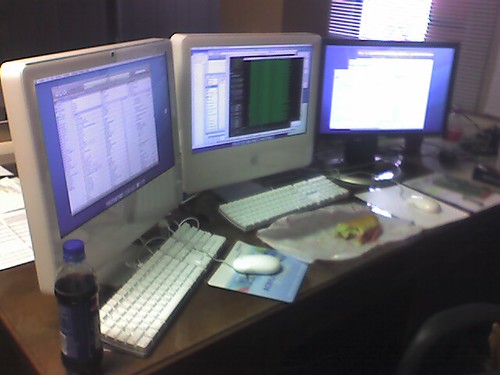
It was running on TextPattern, hosted on TextDrive. Two blasts from the pasts. I was one of the original VC200 backers.
I eventually migrated to Mephisto and was hosting it on SliceHost. More blasts from the pasts (and more 11px Lucida Grande.) That was such an amazing period of learning and growth for me, especially related to Ruby and Rails.
2007
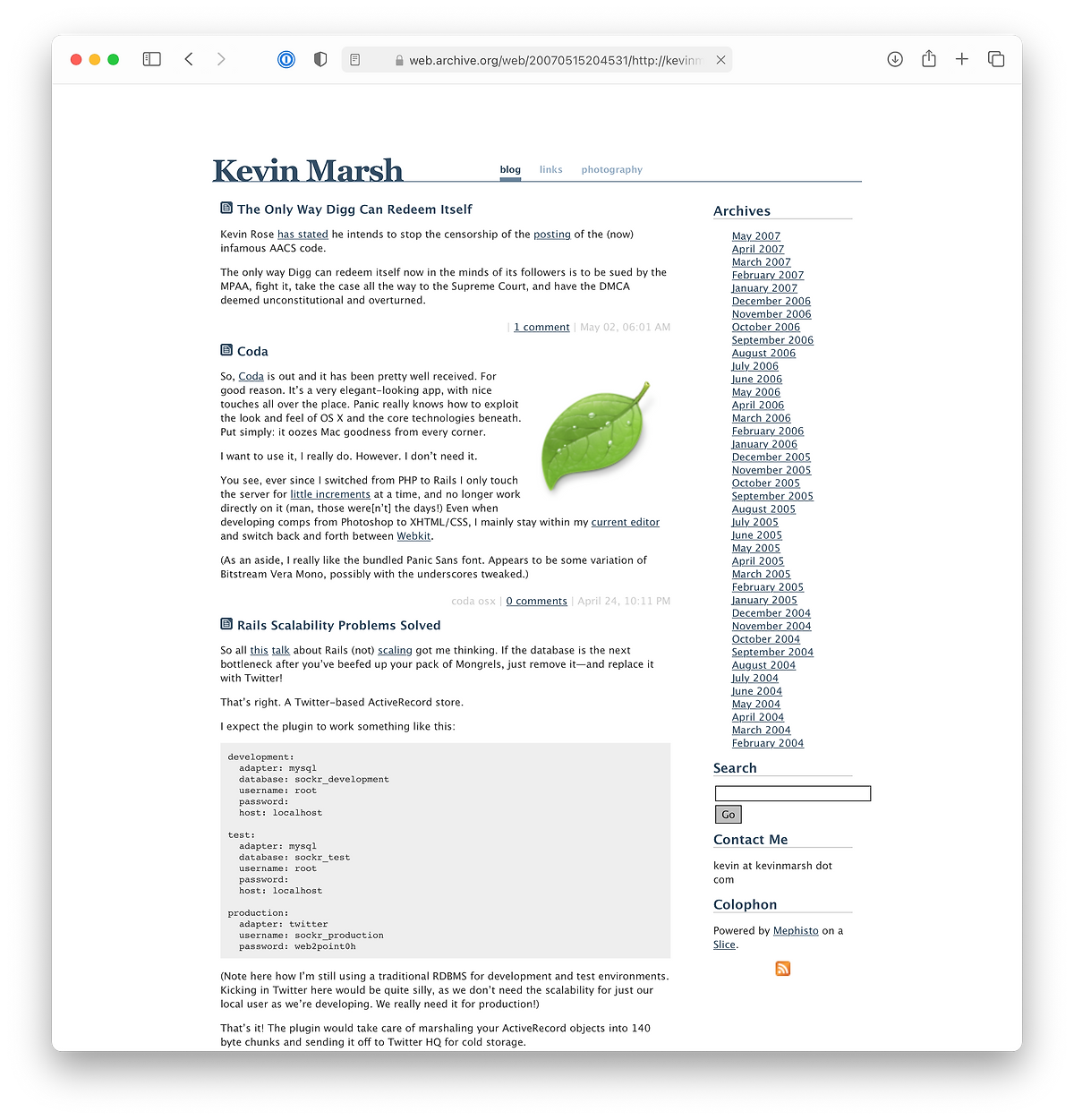
I was being snarky about a tech CEO responding to censorship on their platform. Sound similar? (Although, @nat handled youtube-dl much better on GitHub.)
2009
I migrated from Mephisto to Jekyll, which was way ahead of its time as far as static sites go, way before it had a clever name.
2014
Switched to the more-or-less current layout which was originaly implemented in Pure CSS.
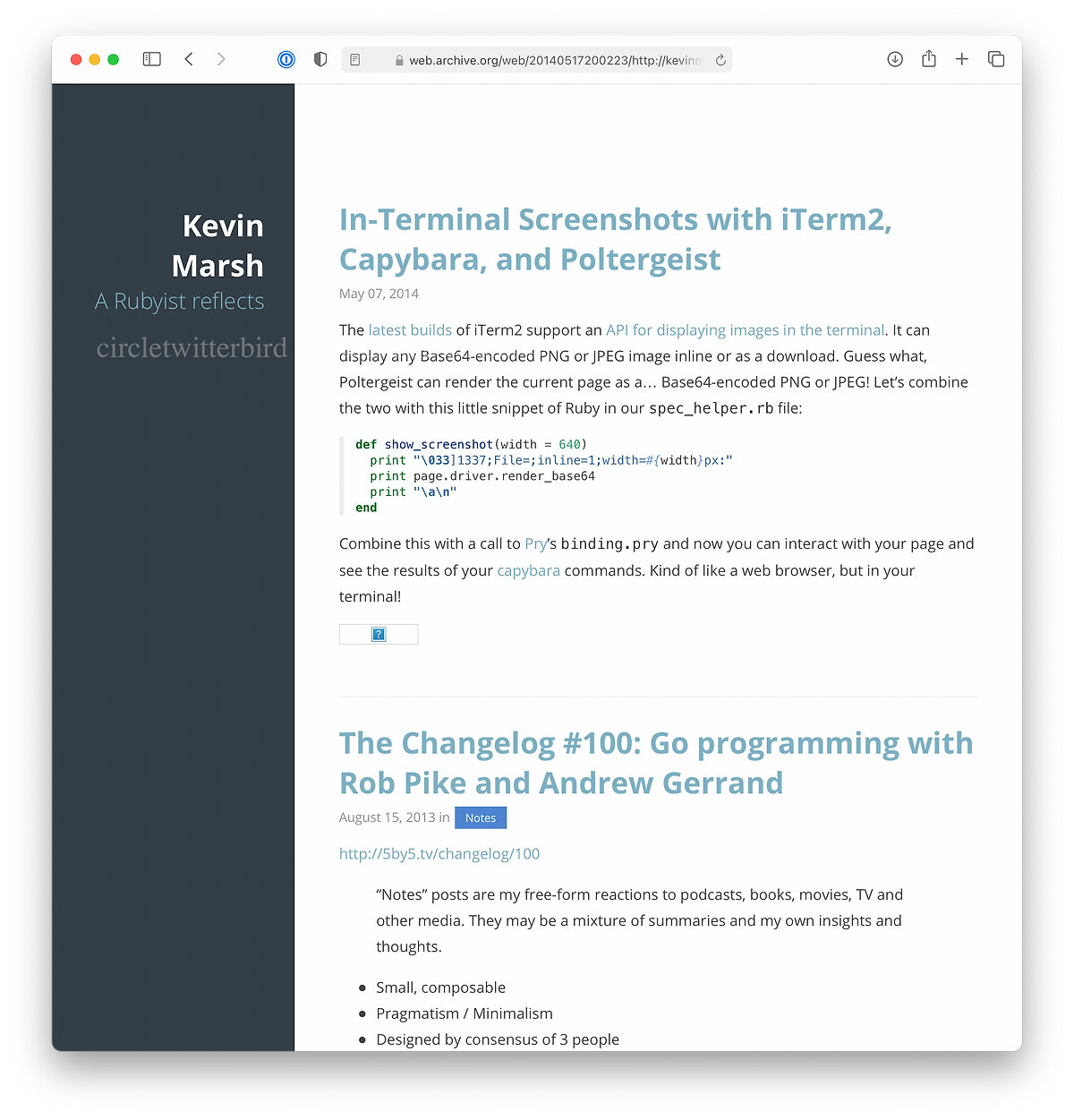
2020
I noticed some weird scrolling issues with Pure CSS and wanted to try Tailwind CSS anyway so I undertook rewriting the CSS and freshening things up a bit:
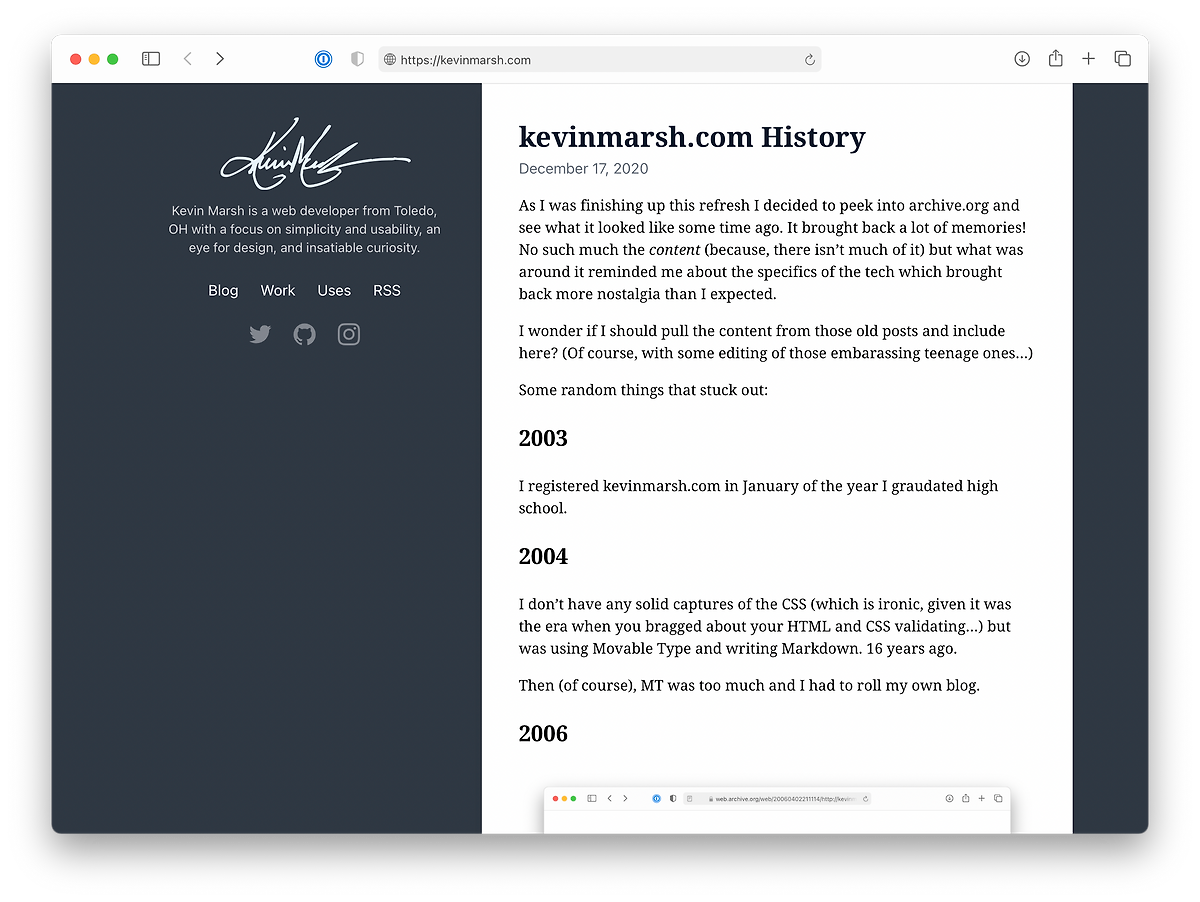
There’s way more I want to do and way more I want to share, but this’ll be Good Enough™ for now.
2018-07-23 |
2017-12-30 |
2017-09-07 |
2016-10-24 |
2016-06-02 |
2016-04-19 |
2016-04-18 |
2016-04-05 |
2016-04-01 |
2016-03-31 |
2016-03-29 |
2015-04-24 |
2015-04-18 |
2015-01-07 |
2015-01-02 |
2014-11-12 |
2014-11-05 |
2014-10-31 |
2014-10-27 |
2014-10-24 |
2014-10-23 |
2014-10-22 |
2014-10-20 |
2014-05-07 |
2013-08-15 |